Point Of Sale Software for Android with Ready Payment Methods

Sell from a Tablet Till or Smartphone

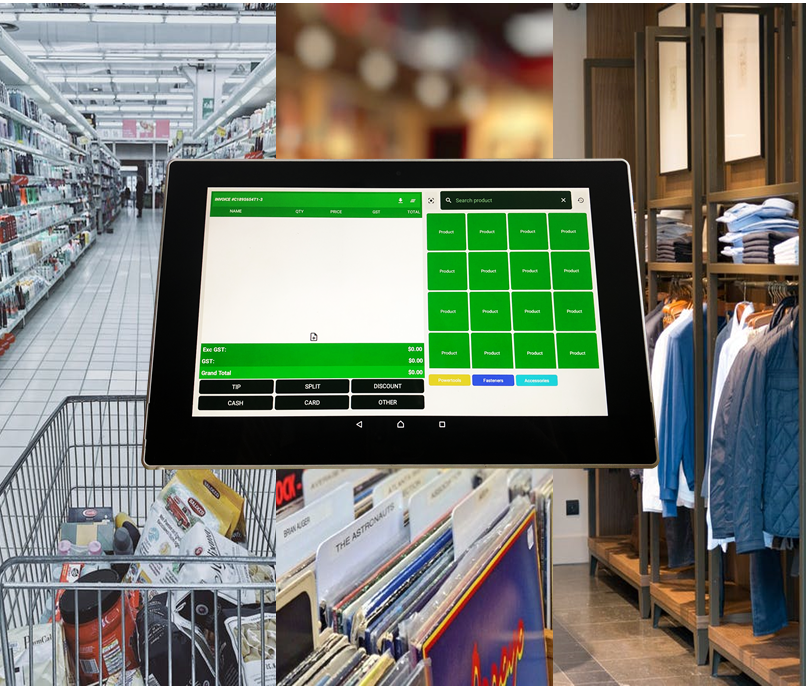
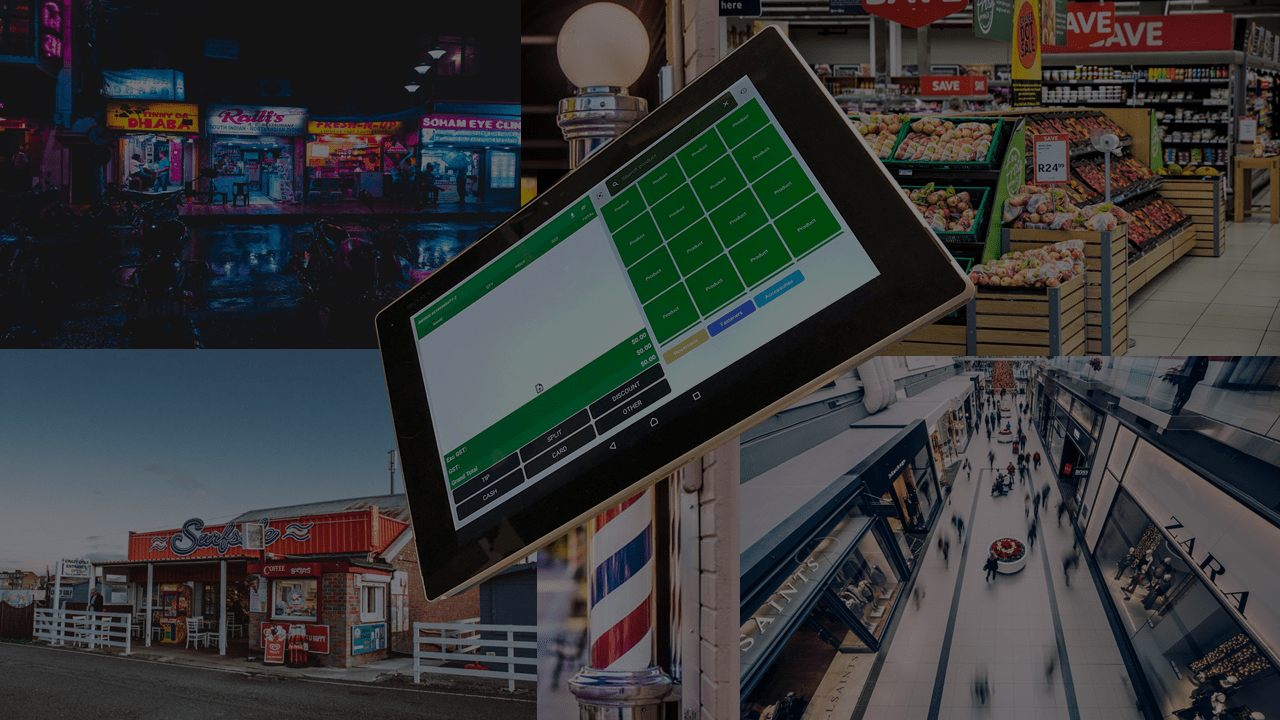
APPOS works on Android smartphone and tablet Tills.

Multiple Locations, Employees & Tills

Manage multiple stores under one account with variable products, sales, inventory, employees for each shop.

Work Offline Or Online

Make sales with weak or unstable internet. All data will be automatically synced once connection is restored.

More Payment Acceptance than your competetors

Payments by Cash, Credit Card, Internet Banking and POLI and NEW Chinese Wallets

Chinese Wallet Payment

407K Chinese Tourists to NZ spent NZ$1.5 Billion in 2017 - Did you miss out?
We are pioneers in accepting Chinese Payments too in NZ with Union Pay, AliPay, We Chat Pay, JD Pay, BestPay as well as Internet Banking like POLI.

Smart Payment Terminals

Ask us to Connect you to the Major Suppliers for a Great price or use your existing Terminal*

Printed or electronic receipts

Give the receipt to customers in a way they prefer: printed, sent to their phone or an email.

Refunds

Create, save and edit orders. Customers can pay when it's convenient.

Sales Analytics, Reports and reprint Invoices

Browse Reports, Logs etc and reprint invoices when needed.

Auto Backup and Restore

Backs up whenever you are connect to the web and syncs Inventory with other Till sales.

Device Lost, Broken or Stolen

Just get a new Device and login into APPOS to continue from where you last left off.*

Product Related

Multiple Categories

Add as many Colour coded categories as you can to organise your Products.

Multiple Products Buttons

Add your products with Buttons displaying Product Picture, Text or Both

Quick Pick Product

Quick Buttons for Popular sales Items

Multiple Measurement Units

Your Products can be assigned virtually to all possible units of Measurement. eg. Kgs, Hrs, Mtr, Doz. etc with Popups Screens if needed

Discounts

Create, save and edit orders. Customers can pay when it's convenient.

Tipping

Give the receipt to customers in a way they prefer: printed, sent to their phone or an email.

Splitting bills

Ask us to Connect you to the Major Suppliers for a Great price or use your existing Terminal*

Open Invoices or Bar Tabs

Create, save and edit orders. Customers can pay when it's convenient.

Quick Entry and Popups

Choice whether your product needs a Measurement popup screen (eg for Multiple Quantities) or Quick entry by clicking the button multiple times

Your Shop Payment Acceptance Methods and Providers

We Recommend the following Payment Types and Terminals with APPOS and can help you Setup these up and Connect to the providers start your Business quickly.

Fill our Form here

*Conditions Apply